> For the complete documentation index, see [llms.txt](https://penida.gitbook.io/cowlendar-help/llms.txt). Markdown versions of documentation pages are available by appending `.md` to page URLs; this page is available as [Markdown](https://penida.gitbook.io/cowlendar-help/how-to.../how-to-set-up-recurring-service-subscription-in-cowlendar/how-admins-manage-subscriptions-in-cowlendar.md).
# How Admins Manage Subscriptions in Cowlendar
From the admin perspective, subscriptions are fully manageable directly inside Cowlendar. This allows you to monitor usage, assist customers, and maintain full operational control without leaving your Shopify admin.
***
### Accessing Subscription Management in Cowlendar
To manage subscriptions as an admin:
1. Go to **Apps** in your Shopify admin.
2. Open **Cowlendar**.
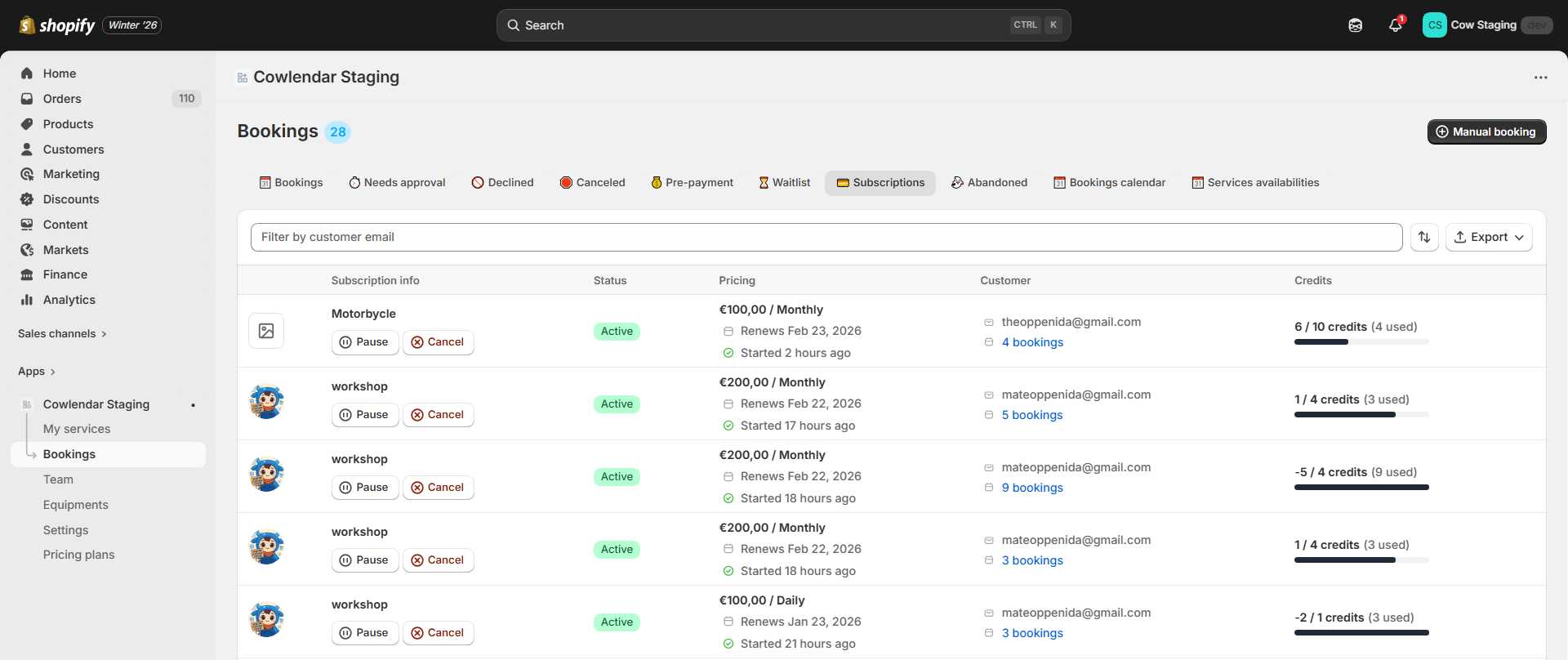
3. Navigate to the **Bookings** section.
4. Open the **Subscriptions** tab.
This section centralizes all subscription related activity in one place.
***
### What You Can Manage from the Subscriptions Section
Inside the Subscriptions tab, you can:
* View all subscriptions, including active, paused, and canceled ones.
* See which customer each subscription belongs to.
* Review subscription plan details, including:
* Subscription title and configuration.
* Billing price and billing interval.
* Interval frequency such as weekly, monthly, or yearly.
* Monitor credits:
* Remaining credits in the current billing period.
* Used credits.
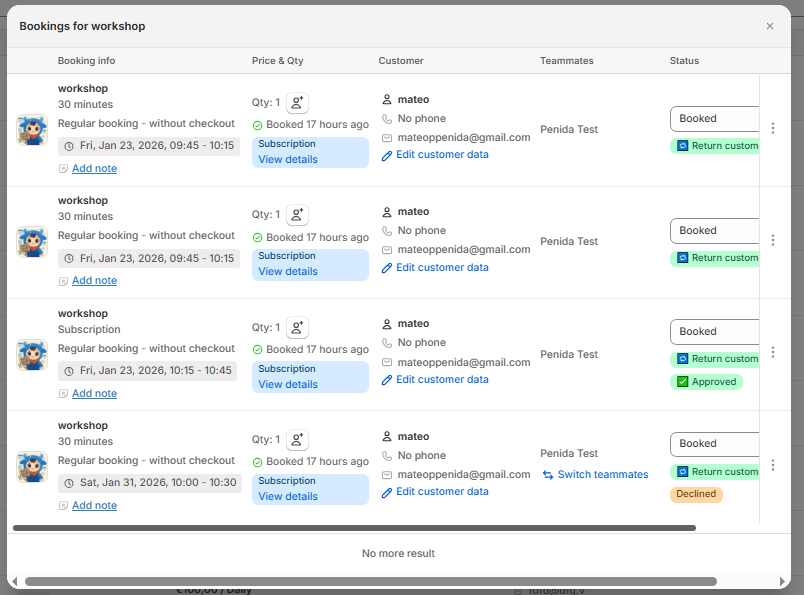
* View all bookings created from each subscription.
* Create manual bookings that are linked exclusively to an active subscription.
* Pause a subscription on behalf of the customer.
* Cancel a subscription when required.
* Add free credits manually if needed.
* Monitor subscription usage to prevent misuse or unused credits.
This level of visibility helps you ensure subscriptions are being used correctly while offering flexibility when supporting your customers.
***
### Subscription Visibility Inside Shopify
Subscriptions created through Cowlendar are deeply integrated with Shopify, ensuring transparency across your store.
Outside of Cowlendar, you can also manage subscription related information directly from Shopify:
#### Shopify Customers Section
In **Shopify > Customers**, you can:
* See subscription information linked to each customer profile.
* Understand the customer subscription history.
* Access order level subscription details.
* Provide faster and more informed support.
* Manage long term customer relationships with full context.